

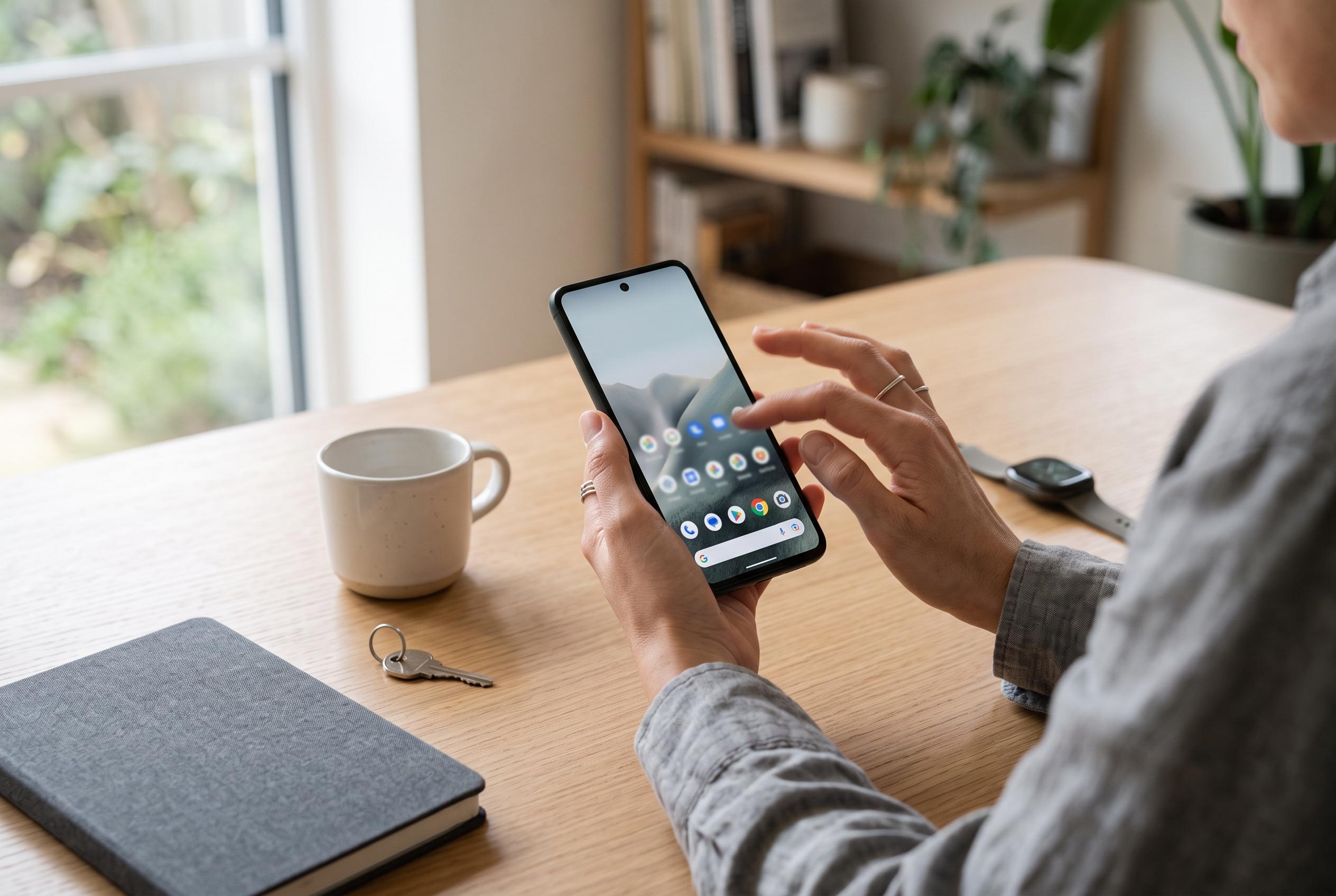

By adjusting default settings such as app organisation, interface animations, and notification handling, users can transform their Android device into a more tranquil and deliberate tool, reducing distractions and enhancing daily calm.
Android phones are designed to be helpful, but the default settings can also make them feel noisy and overactive. In this case, the goal was not to strip the device back to basics or change its apps, but to reduce a few behaviours that kept drawing attention. The result was not a faster handset, but a calmer one: less clutter on the home screen, fewer interruptions and a more deliberate feel overall.
The first change was to stop newly installed apps appearing automatically on the home screen. Google’s Android help pages explain that users can move, remove and organise app icons, as well as adjust home screen settings to suit their preferences. Sony also documents the option to prevent fresh app icons from being added automatically after installation. For anyone who tests a lot of apps, that small change can stop the home screen from filling up with one-off tools and forgotten shortcuts.
The second adjustment was to reduce Android’s interface animations. These visual effects help make the operating system feel smooth, but they can also add a slight delay between actions and outcomes. The method described involved enabling Developer options, then lowering the window, transition and animator duration scales. That does not usually transform performance in a measurable way, but it can make the phone feel more immediate.
Another useful step was switching off Wi-Fi and Bluetooth scanning when it was not needed. Android’s nearby scanning can look for accessories, smart-home devices and wireless networks even when the main radios are off. That is convenient for people who frequently connect new devices, but it also means extra background activity. On a phone that mostly uses the same headphones and network every day, turning it off can cut unnecessary system work.
Notification handling also mattered. Instead of disabling alerts entirely, the approach was to silence apps that send promotional messages, shopping prompts and similar low-value notices. The lock screen was also changed so that message contents were hidden while the phone was locked. Google’s Android support materials cover home screen and notification customisation, which makes it clear that these defaults are meant to be adjusted rather than accepted as fixed.
The final change was to turn off app suggestions. Android can predict which apps might be useful next, based on time, place or usage patterns. That is helpful for some people, but it can also make the interface feel too eager. After disabling suggestions, the phone felt less like it was trying to anticipate every move and more like a tool that waits to be used. The practical gain was modest, but the effect on day-to-day calm was real.
Disclaimer: This content is intended for informational purposes only. Readers are advised to exercise their own judgement, conduct due diligence, or consult a qualified expert before acting on any information provided.



