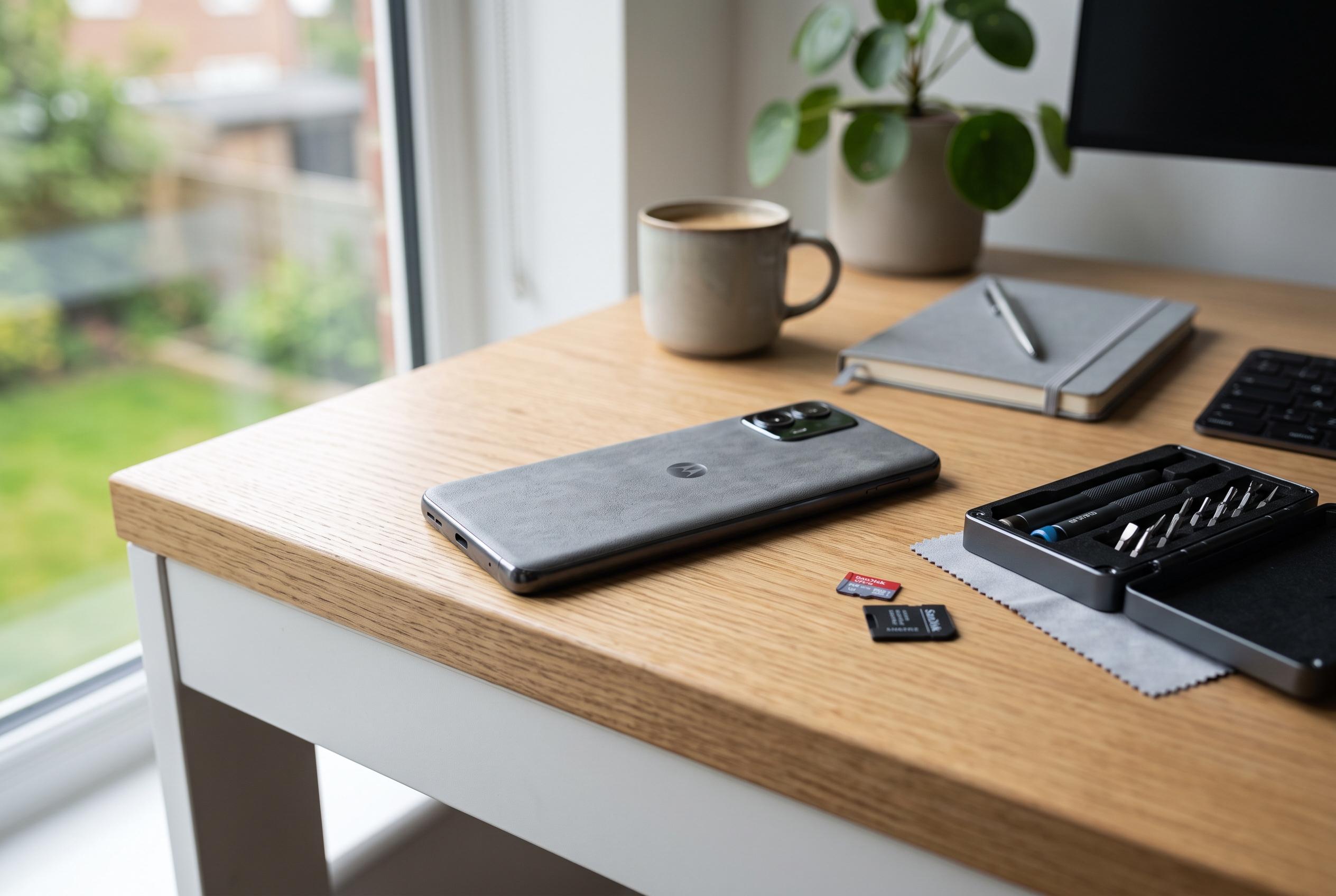

Practical modifications like removing pre-installed apps, adding rear skins, leveraging expandable storage, and supporting custom ROMs can significantly enhance the feel and performance of affordable Motorola smartphones, bridging the gap with high-end devices.
Motorola’s more affordable phones can feel closer to premium models than their price suggests, but a few practical changes can push them further. The most effective first step is to clear out pre-installed apps that add clutter without improving the experience. Motorola’s own support guidance explains that some preloaded apps can be disabled rather than removed, while user-installed apps can usually be uninstalled outright. That matters because a cleaner app drawer and fewer background services make the handset feel faster, tidier and less compromised. According to Tom’s Guide and TechJunkie, Android users can usually trim bloatware without rooting the device, although the limits vary by model and app.
The phone’s physical feel can also be improved. Budget Motorola models usually rely on plastic rather than the glass-and-metal construction associated with more expensive devices, so the hand-feel can seem less refined. One simple fix is to add a thin skin to the rear panel. While many skins are largely decorative, some offer better textures and finishes, including carbon-fibre-style options. Guides from SkinDecals and StickerFab note that these skins are vinyl-based rather than genuine carbon fibre, but they can still improve grip, surface quality and the sense of finish if they are fitted carefully.
Storage is another area where many cheaper Motorola phones have an advantage over pricier rivals. Several models still include a microSD card slot, which lets users expand capacity well beyond the built-in storage. That is useful for media libraries, offline downloads and long-term device use. A large card may cost more upfront, but it can outlast the phone itself and move with the user to a future handset. In practical terms, that makes a mid-range Moto easier to live with than many higher-end phones that rely entirely on fixed internal storage.
Charging can be improved too. Motorola’s budget devices often support faster top-up speeds than some competing premium phones in the US market, and the difference becomes more obvious when paired with the right charger. A suitable 30W brick may deliver faster results than the adapter bundled in the box or an older charger already sitting in a drawer. The key is to choose a reputable model, since not every fast charger is equally reliable or well built.
For users willing to go further, custom ROM support remains one of Motorola’s more unusual strengths. The company has traditionally been more open than some rivals to bootloader unlocking and third-party software, which gives enthusiasts a route around shorter official software support. In the right circumstances, that can keep an older phone responsive for longer and make it feel far newer than its age would suggest. It is not an option for every handset, but for compatible models it can be the most dramatic upgrade of all.
Disclaimer: This content is intended for informational purposes only. Readers are advised to exercise their own judgement, conduct due diligence, or consult a qualified expert before acting on any information provided.