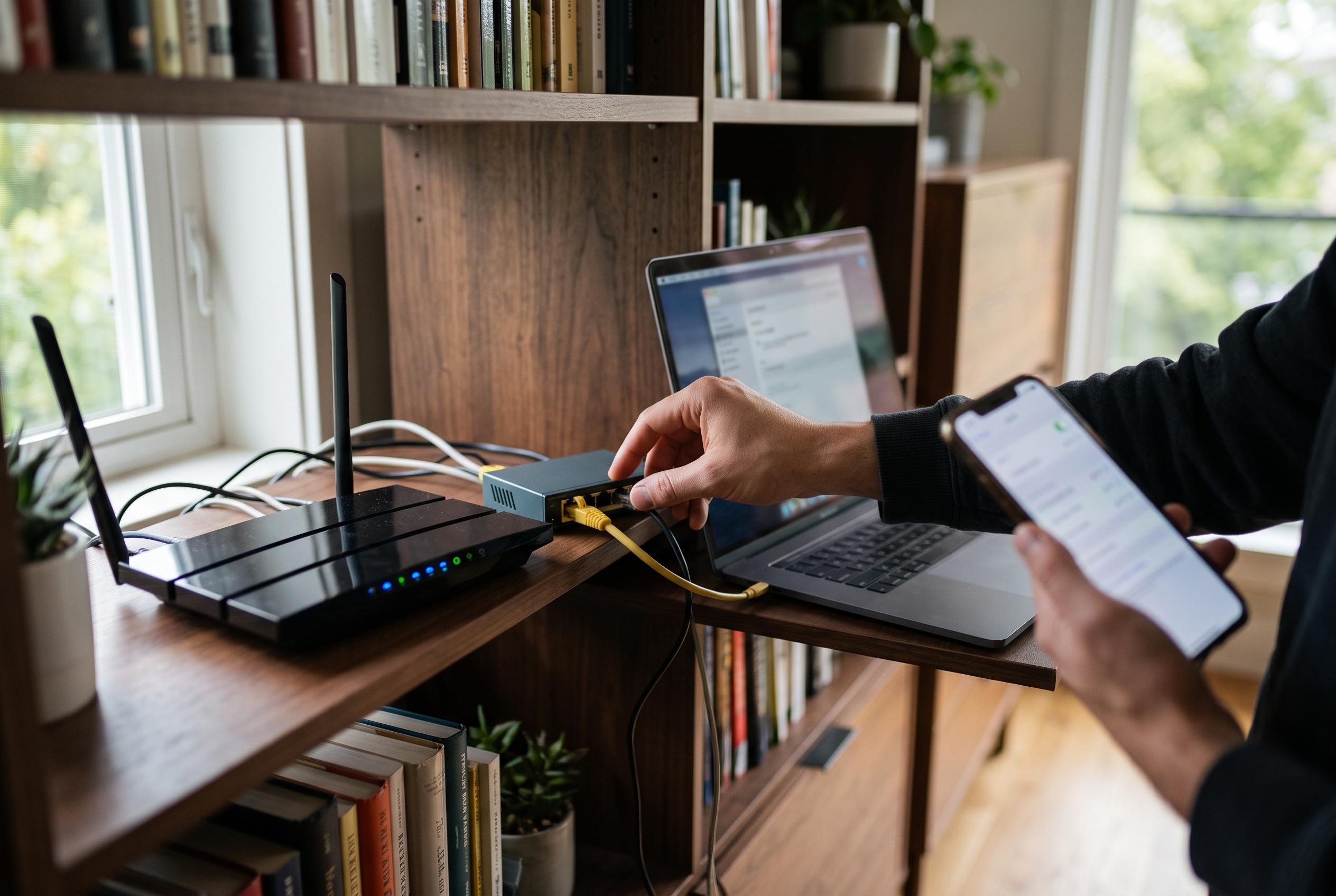

Research indicates that modest configuration adjustments, such as enabling band steering and wired backhaul, can significantly boost home Wi-Fi performance more than expensive hardware upgrades or complex tricks.
Monica J. White argues that a faster home network does not always require a more expensive router. After testing 20 common Wi-Fi optimisation tips for How-To Geek, she found that a handful of basic settings changes delivered the clearest gains, while many popular tweaks offered little benefit. Her conclusion was simple: a few minutes of careful configuration can do more for speed and stability than a costly hardware upgrade.
One of the most useful changes is to let the router decide which band each device should use. Modern routers often include band steering, sometimes marketed as Smart Connect, which places 2.4GHz and 5GHz on the same network name and shifts devices to the most suitable band automatically. White said this fixed a common problem in which devices remained on the slower 2.4GHz band. Where that does not work well, manually reserving 2.4GHz for smart home devices and keeping faster bands for laptops and phones can improve performance.
Channel width is another area where conventional advice can mislead users. A wider Wi-Fi channel is not always better, especially in flats and other crowded environments where neighbouring networks overlap. In such cases, narrowing a 160MHz channel to a smaller setting can reduce interference. For households in detached homes, the wider setting may still be acceptable, but in denser areas, a more conservative configuration is often more reliable.
White also found that the most effective improvement was often to remove devices from Wi-Fi altogether. Desktop computers, network storage, printers and security cameras usually work better over Ethernet, which reduces congestion and frees wireless capacity for portable devices. She also found that mesh systems perform best when the satellite unit is positioned between the dead zone and the main router, rather than in the weakest signal area itself. When the mesh node was wired back to the main router, performance improved further, with steadier speeds and fewer drops.
Her final conclusion was that standard Wi-Fi extenders are usually a poor substitute for a better setup. Repeaters simply relay an already weakened signal and can cut into available bandwidth, even if they make the bars on a device look stronger. That warning fits with broader advice from How-To Geek and other tech publications, which have repeatedly found that basic placement, sensible band choices, firmware updates and wired backhaul tend to beat more complicated or outdated optimisation tricks. For users trying to improve a sluggish home network, the practical lesson is that the best gains usually come from removing bottlenecks, not buying more equipment.
Disclaimer: This content is intended for informational purposes only. Readers are advised to exercise their own judgement, conduct due diligence, or consult a qualified expert before acting on any information provided.