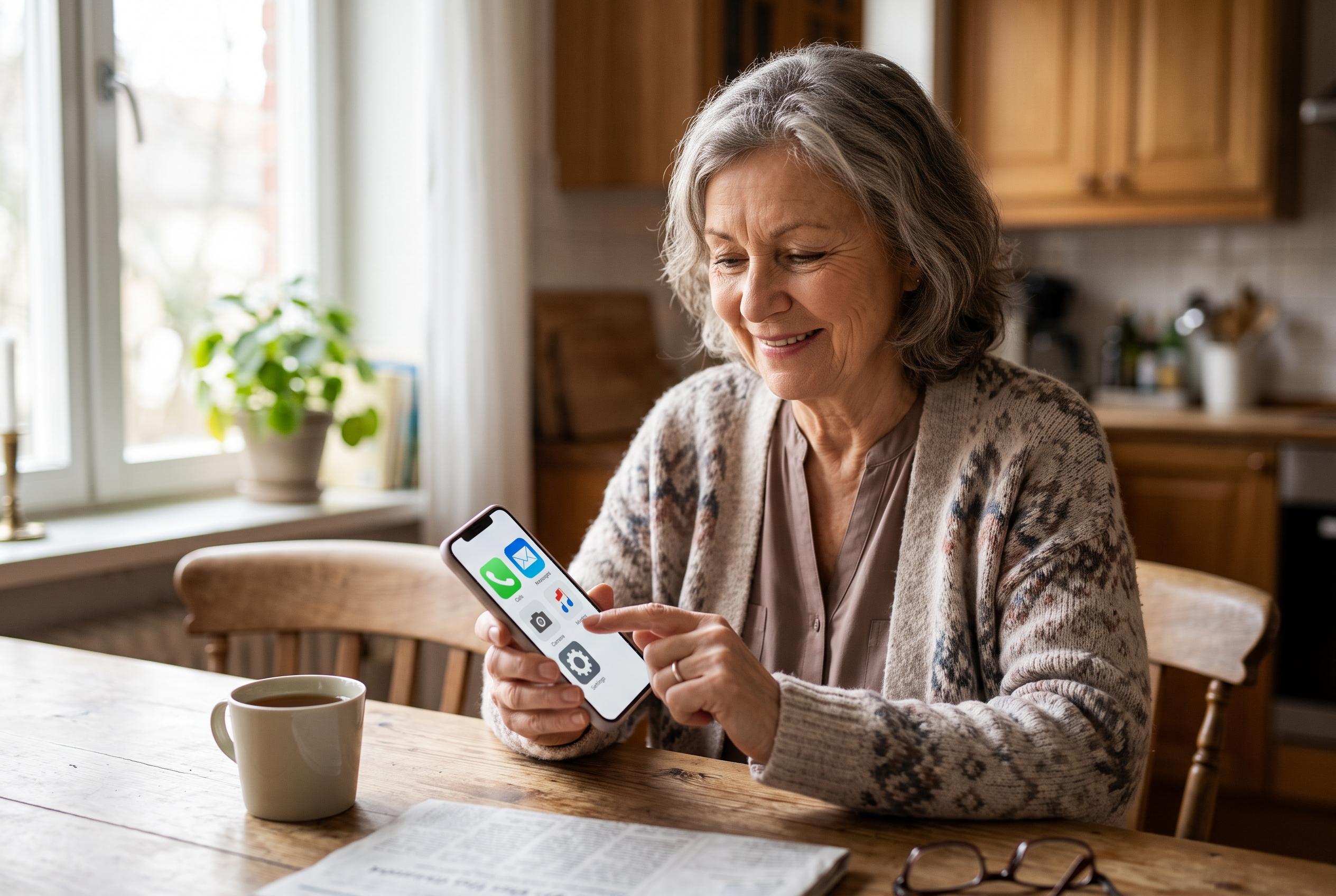

By tailoring device settings and minimising complexity, older adults are increasingly gaining independence and confidence in using smartphones, transforming anxiety into ease of use.
Older adults who move from a basic handset to a smartphone often face a steep learning curve, but the device can be made much easier to use with a few targeted settings. The Las Vegas Review-Journal’s Savvy Senior column says the main problem is not the size of the screen but the complexity of touch controls, tiny text and accidental taps that can alter settings or open the wrong app.
On an iPhone, the first step is usually to enlarge text and interface elements through Display & Brightness, then use Accessibility features such as VoiceOver, Zoom and Voice Control. Apple also offers Assistive Access, a simplified interface with larger buttons and fewer distractions, which is designed to make the phone less intimidating for people who are new to touchscreens. Google’s Pixel support material and Android Accessibility Help similarly outline tools such as TalkBack, Magnification, Live Caption and Voice Access for users who need help with reading, navigation or hands-free control.
Samsung Galaxy phones have their own pared-back option called Easy Mode, which increases text and icon size and simplifies the home screen. Samsung also points to accessibility tools that improve contrast, support captions and hearing aids and allow voice commands. For many older users, Android phones can be made more familiar by switching from gesture navigation to the traditional three-button layout, which restores clear Home, Back and Recent Apps controls.
Beyond the built-in accessibility menus, a cleaner home screen can make daily use far less frustrating. Removing unused apps, placing the most-used ones on the first screen, choosing a plain wallpaper, raising the ringtone volume and keeping the screen awake a little longer can all help. The practical aim is not mastery of every feature but confidence with the basics: calling, texting and taking photographs. With some adjustment and practice, a smartphone can become a useful tool rather than a source of stress.
Disclaimer: This content is intended for informational purposes only. Readers are advised to exercise their own judgement, conduct due diligence, or consult a qualified expert before acting on any information provided.