

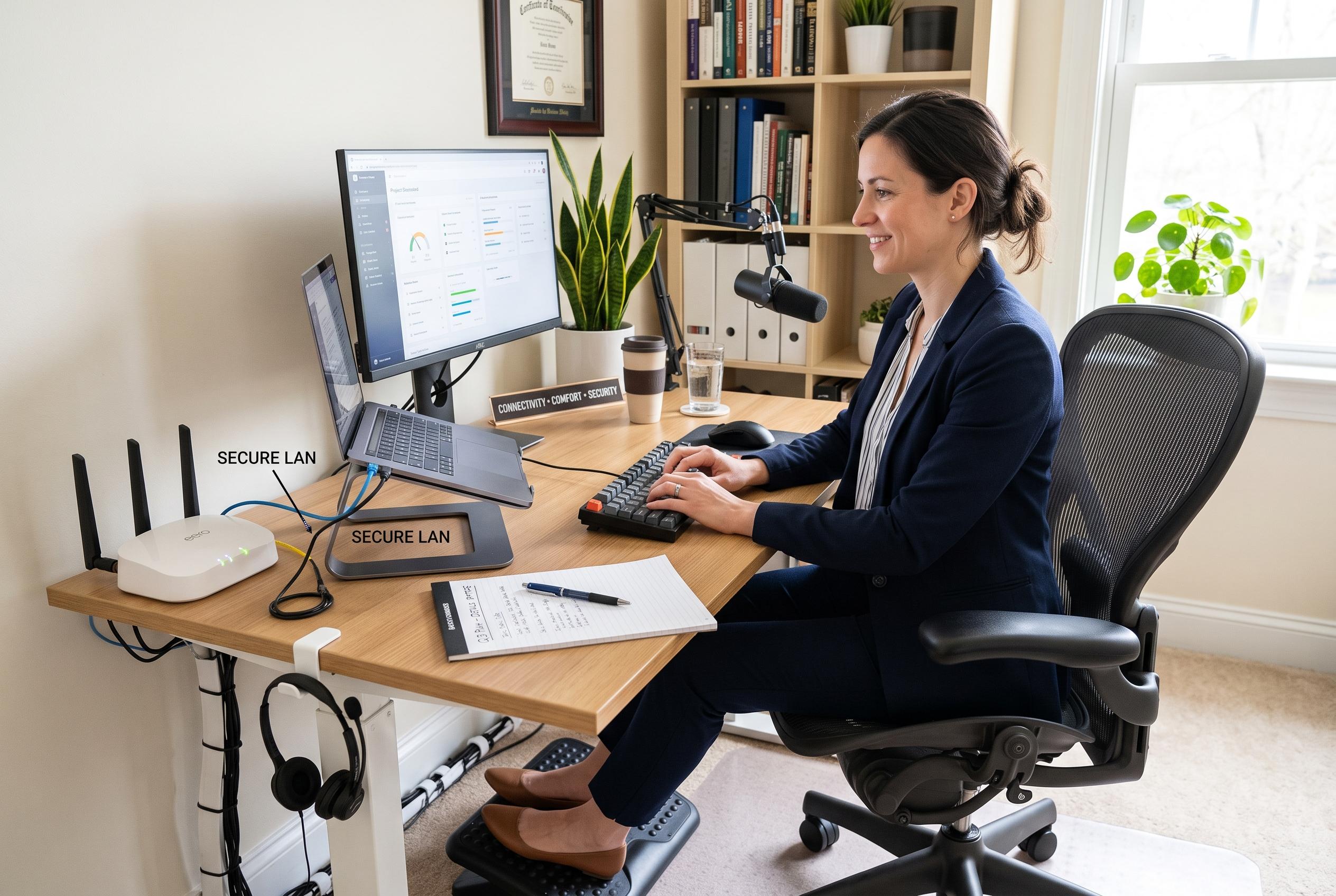

As remote working becomes more common, experts emphasise that paying attention to practical setup details, such as connectivity, comfort, security, and discipline, can significantly impact performance and health, beyond just having a polished title or high-end equipment.
Remote work now depends less on a polished title and more on whether a home setup can support long hours of steady output. Tribune Online argues that many workers invest in devices and connectivity while missing the small, practical details that make the biggest difference day to day. That point is reinforced by guidance from the US Centers for Disease Control and Prevention, which says a dedicated workspace, proper seating and regular posture changes can improve both health and concentration.
Connectivity is one of the most obvious weak points. Relying on a single internet provider can leave a worker stranded during outages, particularly when meetings, deadlines or file transfers are under way. A backup option, such as a second broadband line or a mobile hotspot, reduces that risk. Microsoft has also advised that home networks used for remote work should be able to support video calls and other bandwidth-heavy tasks without disruption.
Comfort and posture matter just as much. The CDC and ergonomics guidance from other workplace advisers say sitting for long periods on unsuitable furniture can contribute to back pain, neck strain and wrist problems. A chair that supports the body properly, a screen positioned at eye level and a keyboard that keeps the wrists relaxed can prevent discomfort that builds slowly over time. Small changes in layout often do more for productivity than expensive equipment.
Video communication brings its own set of problems. Poor lighting can make a worker appear tired or difficult to see, while weak audio quickly frustrates colleagues and clients. Tribune Online recommends placing light in front of the face rather than behind it and using a headset or USB microphone instead of depending only on a laptop mic. A quiet room, closed windows and noise-cancelling headphones can also help keep meetings clear.
Security is another area that remote workers often underestimate. Tribune Online says people working from home regularly handle contracts, invoices and client data, which means the home office should be treated as a serious security environment. The National Institute of Standards and Technology recommends multi-factor authentication, strong passwords, regular software updates, encryption where possible and routine file backups. Microsoft has likewise urged workers to secure Wi-Fi networks and use modern account protection tools.
The final issue is discipline. A flexible schedule can easily turn into a scattered one, especially when the work area is also a living space. The CDC says stress falls and focus improves when noise, lighting and temperature are managed properly, while other home-working guides stress the value of routine and clear boundaries between work and personal time. Tribune Online’s broader message is simple: remote work fails most often not because of one major flaw, but because of several ignored details that slowly undermine performance.
Disclaimer: This content is intended for informational purposes only. Readers are advised to exercise their own judgement, conduct due diligence, or consult a qualified expert before acting on any information provided.



