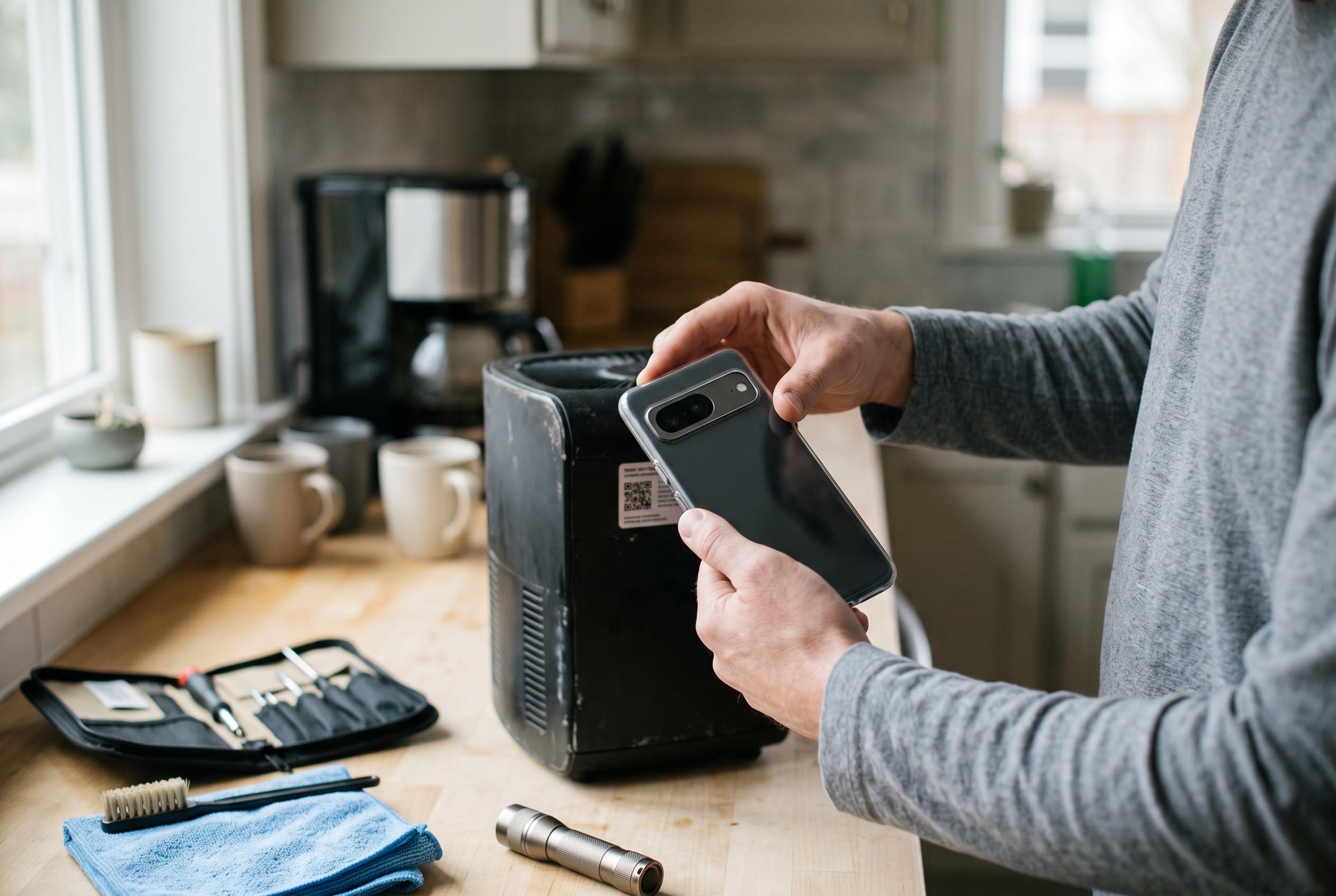

Using smartphone rear cameras for documenting appliances and scanning QR codes offers a simple yet powerful way to diagnose issues, identify models, and access support materials, streamlining household maintenance tasks.
A smartphone camera can be more useful in the home than many people realise. When a fridge starts making an unusual noise, a dishwasher refuses to run or a tumble dryer will not power up, the first instinct is often to pull the appliance out and inspect it directly. Yet that can be awkward, heavy and unnecessary. A quick photo or short video of the rear of the machine can capture the model details, serial number and the condition of cables and hoses before anything is moved, giving a clearer starting point for diagnosis and repair.
That simple step matters because large appliances are often difficult to document from memory. The model badge may be hidden, the original box long gone and the instruction manual misplaced. According to troubleshooting guides on QR code and camera use, the same logic applies to finding the right support material: once the exact model is known, it is easier to contact customer service, search for spare parts or identify the correct user guide. For washers and dishwashers in particular, a photograph of the back panel can also show where each connection belongs, reducing the risk of reconnecting a water line or cable incorrectly after inspection or cleaning.
The camera can also act as a basic diagnostic aid. Rather than lying on the floor and repeatedly shifting an appliance, the user can record the rear area to look for leaks, loose fittings or damaged wiring. Guides on smartphone camera troubleshooting note that the same device can be helpful in a different way when manufacturers place a QR code on the back of the appliance. Many modern phones can read those codes directly through the camera app, usually without any extra software, making it easier to open a digital manual or support page when the paper copy cannot be found.
That convenience is not automatic, however. Several guides note that QR scanning can fail if the camera is in the wrong mode, the feature is disabled in settings, the lens is dirty or the code is too close, too far away or poorly printed. On iPhone, users may need to confirm that QR scanning is enabled and, if necessary, use the Code Scanner in Control Centre. On Android, Google Lens can provide a fallback. In practice, the rear camera is not just for taking photographs; it can become a small but effective maintenance tool when household equipment needs checking quickly and accurately.
Disclaimer: This content is intended for informational purposes only. Readers are advised to exercise their own judgement, conduct due diligence, or consult a qualified expert before acting on any information provided.