

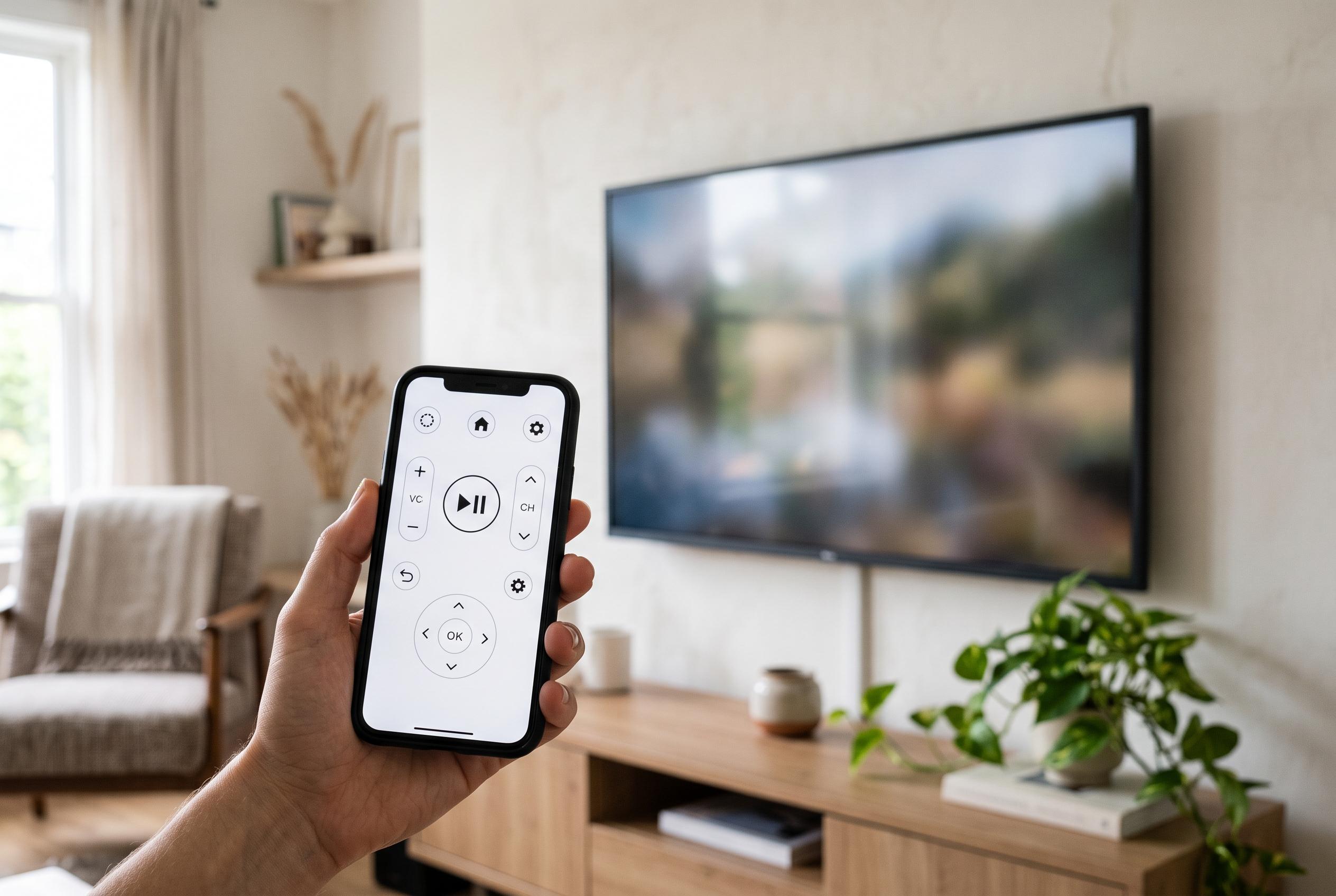

Using a phone as a TV remote is no longer a novelty, with apps offering a versatile and practical alternative to traditional remotes, especially for streaming and navigation tasks, transforming everyday TV control.
Using an iPhone or Android phone as a TV remote is no longer a novelty. For many households, it is simply the faster way to navigate streaming menus, enter passwords and search for titles without tapping through endless on-screen letters. The basic appeal is practical: a phone is usually closer at hand than the handset that has slipped between the cushions again. MelaBlog argues that this is why the traditional remote now feels like the weaker tool in everyday use.
The shift works because most modern televisions accept commands from apps over Wi-Fi, and several manufacturers now offer their own control software. Google TV, LG ThinQ, Sony Bravia Connect, Samsung SmartThings and apps for Roku, Amazon Fire TV and Apple TV all serve the same broader purpose: to move the most-used controls onto a device people already carry. Verizon says the setup generally requires both devices to be on the same network, with the phone then paired to the television through the app. Where supported, infrared remains another option, especially for older sets.
Where the smartphone clearly wins is text entry. Writing a search query, a Wi-Fi password or a login code letter by letter with arrow keys is slow and awkward, particularly on services such as Netflix, YouTube, Disney+ or Prime Video. The phone’s keyboard removes most of that friction. Many apps also add touch gestures, a virtual directional pad, quick access to volume and home functions, and in some cases voice search. That turns the handset into a more versatile controller for the tasks people actually perform most often.
There are still limits. Compatibility varies by television model, and some systems need the original remote for first-time pairing. If the Wi-Fi drops, the battery dies or the app fails to detect the television, the physical remote remains the fallback. Some controls also do not translate neatly into software, including certain number keys, advanced picture menus and proprietary shortcuts tied to other connected devices. As a result, the smartphone is best seen as a replacement for routine navigation, not a complete substitute for every function.
Even so, the balance has shifted. For many users, the phone now handles the tedious parts of TV control better than the plastic remote ever did. That is especially true in homes where streaming, app switching and login screens are more common than channel surfing. The old remote still matters, but increasingly as a backup rather than the main tool.
Disclaimer: This content is intended for informational purposes only. Readers are advised to exercise their own judgement, conduct due diligence, or consult a qualified expert before acting on any information provided.



