

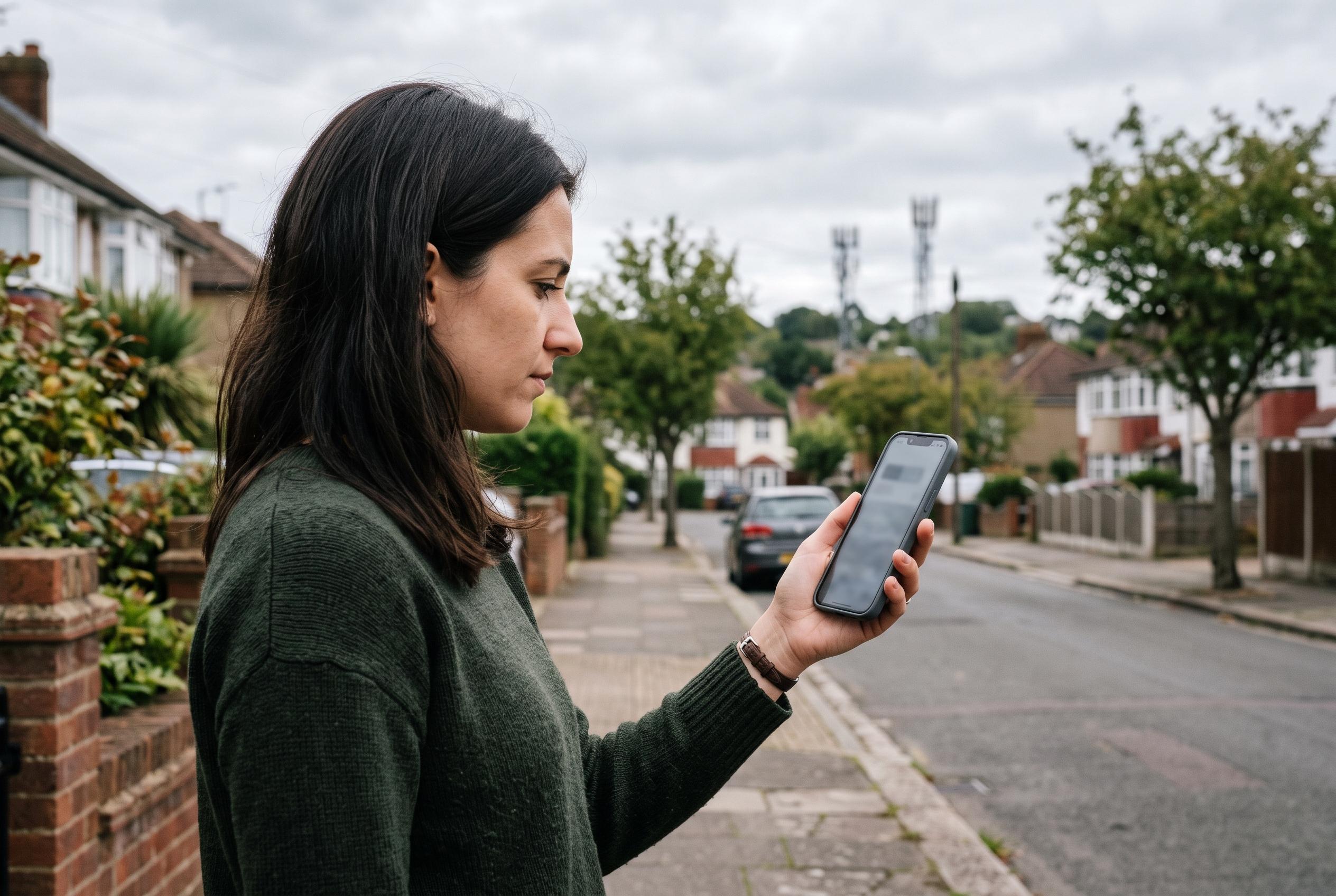

Patchy 5G coverage can force phones to switch networks or cling to weak signals, making LTE a more efficient choice for some users.
Many smartphone owners assume that rapid battery drain is caused by age, apps or a recent update. In practice, the setting that most often deserves scrutiny is the network mode chosen by default. On recent iPhones, “5G Auto” is commonly enabled, while many Android devices are also configured to prefer 5G whenever it is available. According to reporting from Android Authority and other specialist outlets, that can be a sensible default on strong networks, but it becomes less efficient when coverage is patchy and the handset keeps searching for a better signal.
The issue is not simply that 5G uses more power. The real drain comes from the modem repeatedly switching between 4G and 5G, or trying to hold a weak 5G connection in places where the signal is unstable. TechRadar cited research suggesting that 5G can increase battery consumption by a noticeable margin in some conditions, while also noting that newer chipsets have reduced the gap. That means the effect varies sharply by device, carrier network and local reception.
This is why the problem can look so inconsistent from one user to another. One person may travel through a dense city with strong coverage and see little difference, while another may lose battery quickly in a train station, an older building or a rural area where the phone is constantly hunting for a stable signal. Android Authority says the impact is often greatest where 5G coverage is weak, because the radio stack has to work harder to maintain or regain service.
The most practical test is also the simplest: switch the phone to 4G or LTE for a full day or two, then compare battery life. On iPhone, that usually means going through Settings, Cellular, Cellular Data Options, Voice & Data, then choosing LTE or 4G. On Android, the exact labels vary by manufacturer, but the option is usually under mobile network settings or preferred network type. WhistleOut and similar guides say this is the quickest way to determine whether 5G is the main cause of the drain in your usual locations.
That does not mean 5G should be turned off permanently. For people who download large files, hotspot frequently or rely on high-speed data, the faster network can still be worthwhile. But for users whose routine is mostly messaging, streaming and browsing in a weak-coverage area, LTE may be the more efficient setting. As the article’s central warning puts it, “The best setting is not the one that promises the fastest technology, but the one that stops the phone from endlessly looking for a signal it cannot hold.”
Disclaimer: This content is intended for informational purposes only. Readers are advised to exercise their own judgement, conduct due diligence, or consult a qualified expert before acting on any information provided.



