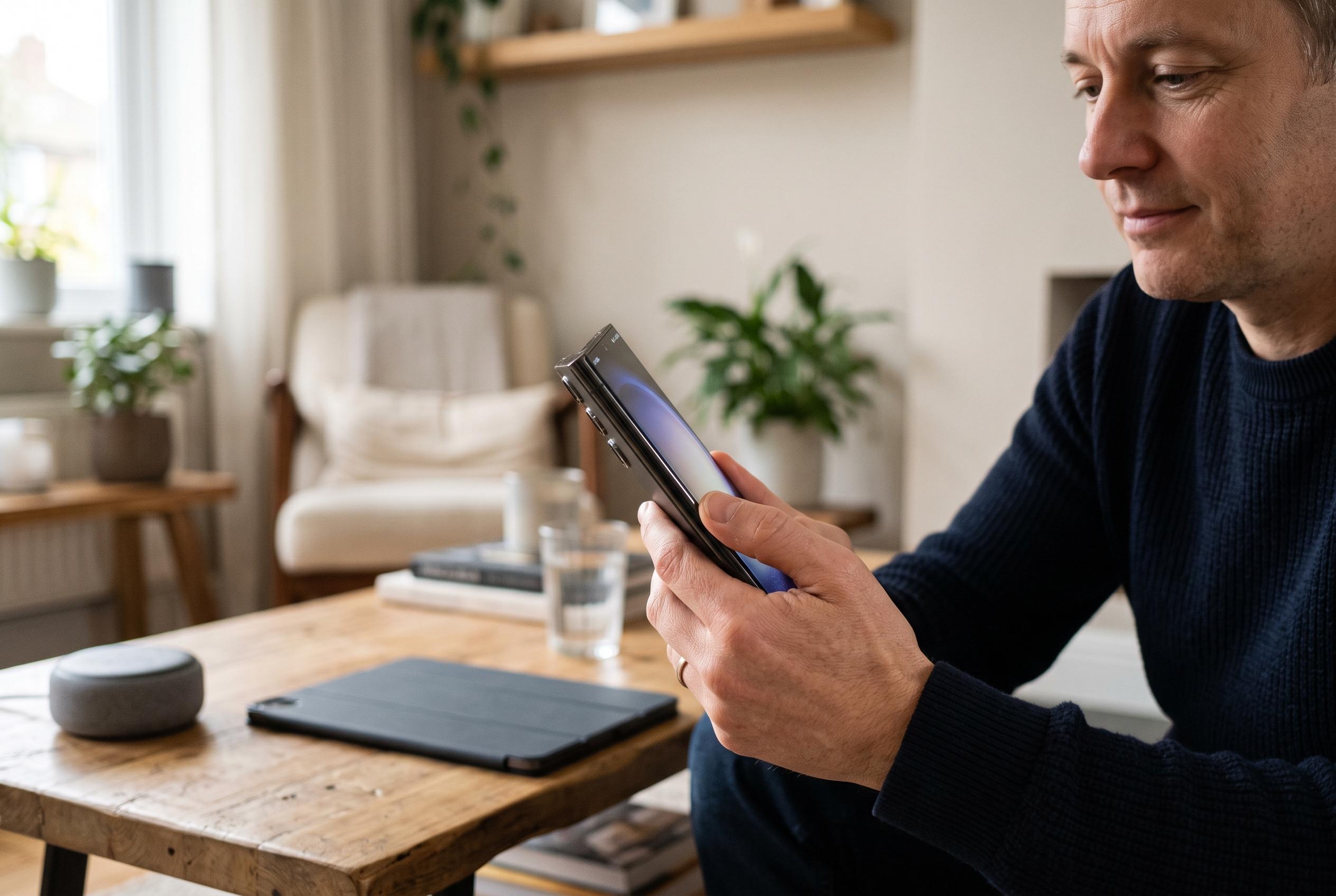

Samsung Galaxy owners can remap the side button’s double press and long press to launch apps, trigger routines, open assistants and more, although options vary by model and region.
Samsung Galaxy owners often overlook the side button, yet it can do far more than lock the screen or wake the handset. On recent Galaxy models, Samsung has turned that physical key into a configurable shortcut, with the exact behaviour varying by device, software version and region. According to Samsung’s own support guidance, users can assign different actions to presses of different lengths, making the button a practical control point rather than a simple power key.
The biggest shift has been the move away from using the side button solely to switch the phone off. Samsung support notes that the key can now be set to open Bixby Voice, launch the power menu, take a screenshot, open the Camera app or trigger other assigned actions. SamMobile has also explained that if the key is dedicated to Bixby, the power menu can still be reached through alternative methods, so customisation does not remove basic device control. In practice, this means the button’s purpose has expanded rather than disappeared.
The most useful custom option for many users is the double press. By default, Samsung commonly assigns it to the Camera app, which is convenient for quickly capturing a receipt, a sign or a fleeting moment. But Samsung’s settings allow that gesture to be changed to a torch, voice recorder, digital wallet or another installed app. Some Galaxy owners can also tie it to Modes and Routines, which opens the door to shortcuts such as switching on Do Not Disturb or starting a work profile with two taps.
A long press is where Samsung’s newer software changes become most visible. On some devices it opens Bixby, while on others it can call up Google Gemini, depending on the selected settings. Guides published by Tom’s Guide, GeekChamp, MobilesTalk and iTechGuides all point to the same underlying point: the available actions depend on the model and version of One UI, but the side button can usually be tailored to fit a user’s habits. For those willing to change the defaults, a key pressed dozens of times a day can become one of the most efficient parts of the phone.
Disclaimer: This content is intended for informational purposes only. Readers are advised to exercise their own judgement, conduct due diligence, or consult a qualified expert before acting on any information provided.