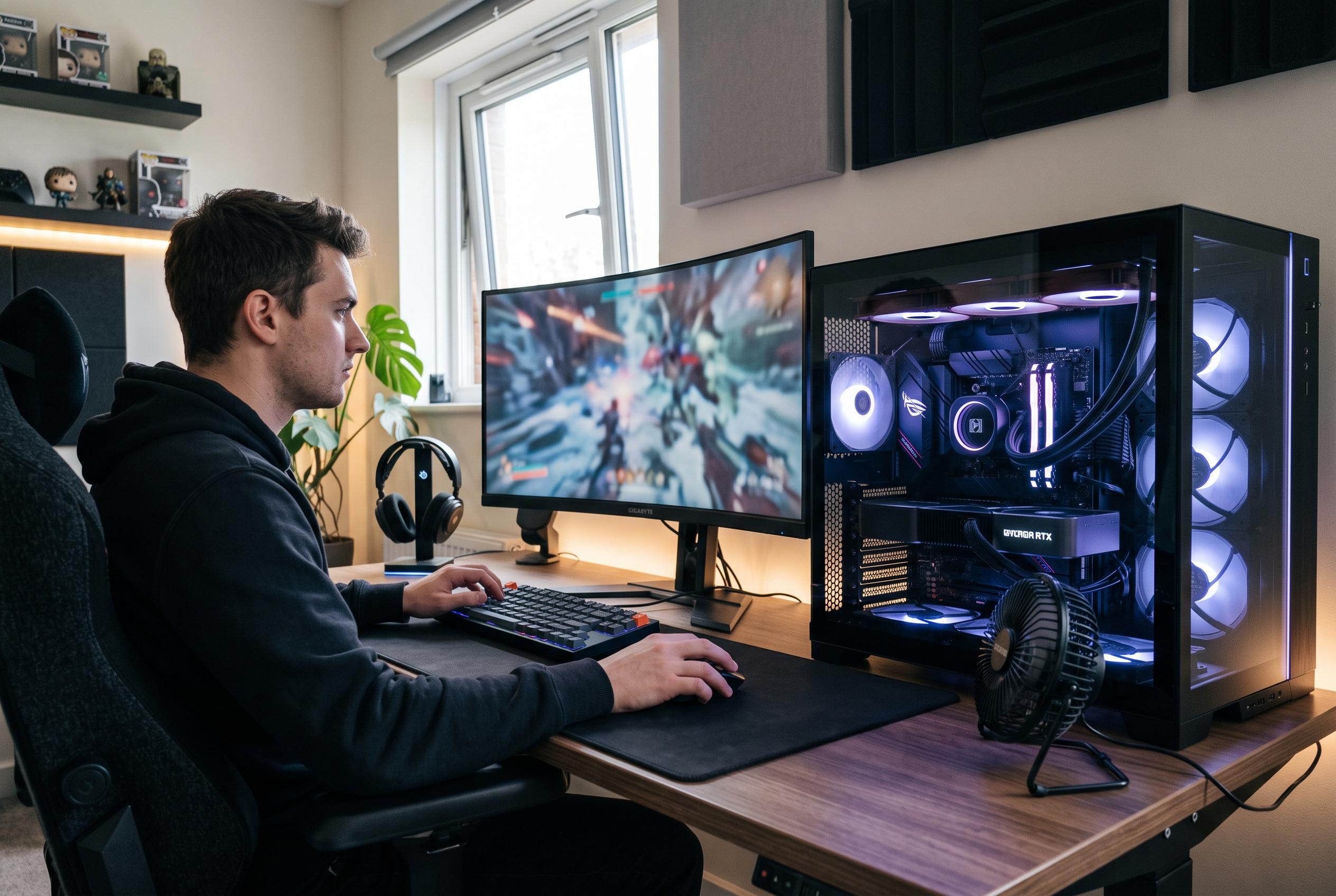

Upscaling, driver updates and better cooling can deliver smoother PC gaming without the expense of replacing a graphics card.
The economics of PC gaming are changing fast. As artificial intelligence consumes more memory and keeps pressure on component supply chains, graphics cards and RAM have become harder to justify as routine upgrades. In that climate, the best route to better performance is not always a new purchase. According to Presse-citron, several software settings and maintenance habits can deliver a meaningful boost without replacing hardware.
One of the most effective options is to switch on the upscaling tools built into many modern games. Nvidia’s DLSS, AMD’s FSR and Intel’s XeSS all render at a lower internal resolution before reconstructing the image for your display. In practice, that can free up enough headroom to raise frame rates substantially, often with only a modest visual trade-off. Industry explainers from Runsonmypc note that DLSS is tied to Nvidia RTX hardware, while FSR works across a wider range of graphics cards and XeSS is strongest on Intel Arc but can also run on other GPUs. TechRadar adds that FSR has continued to evolve, with newer versions narrowing the quality gap with Nvidia’s offering.
The same principle applies to frame generation, where available. Nvidia’s latest DLSS features can insert extra frames between traditionally rendered ones, which can make a game feel far smoother if the underlying hardware is capable enough. Windows Central recently reported on a mod that brings DLSS-like performance gains to some AMD-based handheld systems by disguising DLSS as FSR, although it is limited to DirectX 12 games and requires additional tools in some cases. That underlines a broader point: upscaling is now one of the most important performance levers in PC gaming, but compatibility still depends on the game, the GPU and the implementation.
Another clear win is to turn off ray tracing when frame rate matters more than visual fidelity. Ray tracing can make lighting and reflections look more realistic, but it is also expensive to calculate. TechSpot’s testing across 36 games found that enabling ray tracing reduced performance by an average of 29% on an RTX 4090, with some titles suffering much larger drops. If your system is already struggling, the simplest fix is often to disable the feature entirely or reduce it to a lower preset.
Driver updates are equally important. Graphics vendors regularly publish game-ready drivers tuned for new releases, and missing those updates can mean leaving performance on the table or running into avoidable bugs. Nvidia, AMD and Intel all provide companion software that checks for new versions and installs them automatically. For anyone chasing stable frame rates, keeping those drivers current is one of the least glamorous but most valuable habits.
Hardware care also still matters. Dust build-up can raise temperatures and force a graphics card to throttle its own performance. Basic cleaning, careful use of compressed air and attention to airflow can help a machine sustain its peak speeds for longer. That will not turn an old GPU into a modern one, but it can stop heat from making an already limited system perform even worse.
For those whose machines are simply too old, cloud gaming remains the fallback option. Services such as Xbox Game Pass Ultimate, Nvidia GeForce Now and Shadow shift the workload to remote servers, leaving the local PC to handle only streaming. It is not a free solution, and it depends on a fast, stable internet connection, but it can be cheaper than buying a new graphics card in a market where prices remain elevated. For many players, that makes it a practical compromise rather than a novelty.
Disclaimer: This content is intended for informational purposes only. Readers are advised to exercise their own judgement, conduct due diligence, or consult a qualified expert before acting on any information provided.