
Switching on apps-only mode and disabling Samba Interactive TV can strip back advertising, recommendations and data collection, while deeper Android tweaks offer further control.
Sony Bravia televisions running Android TV can be made considerably less intrusive without losing the core apps many owners care about most. In a recent account of personal changes made to a Bravia set, the writer described trimming back the home screen, removing advertising-linked services and experimenting with more advanced tweaks through Android’s debug tools. The result was a simpler interface focused on launching apps such as Plex and YouTube, rather than navigating a cluttered front page.
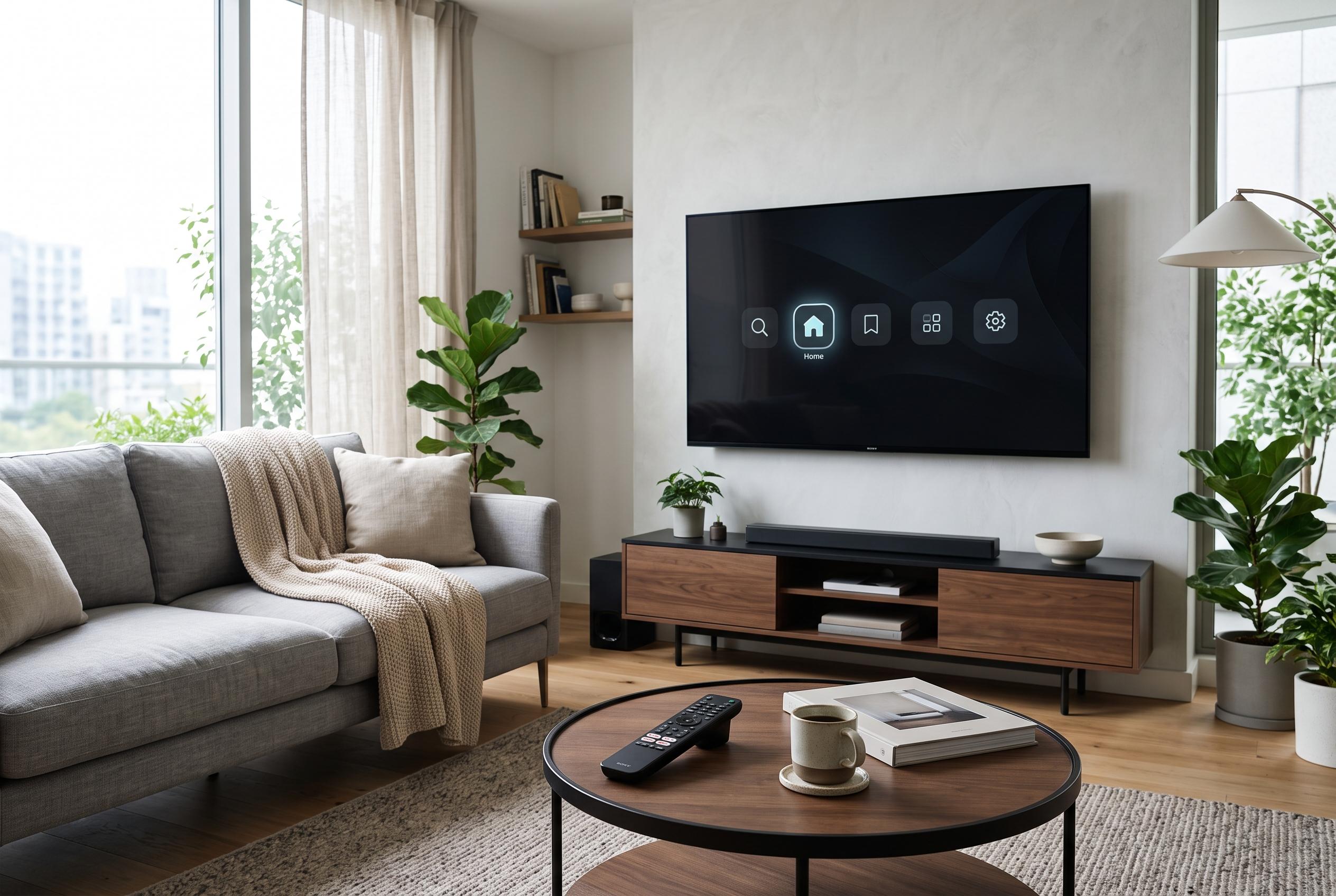
One of the easiest changes is to switch on apps only mode. Google’s support documentation says this setting replaces the recommendation-heavy home screen with a straightforward grid of installed apps. It also strips out some Google TV features, including personalised recommendations, search and Google Assistant functions, but for users who mainly want the television to behave like an app launcher, that trade-off may be acceptable. The practical effect is a much cleaner interface, although one promotional panel can still remain at the top of the screen.
The other immediate fix is to disable Samba Interactive TV. Sony’s own support pages describe Samba TV as a third-party service that collects viewing data and can be used to improve recommendations and advertising. Sony provides model-specific instructions for switching the service on or off through the television’s settings, and the same guidance is echoed in its regional support material. For viewers concerned about privacy, turning it off removes a data-sharing layer that many users never knowingly asked for.
Beyond those basic adjustments, the Android platform allows deeper customisation if the user is prepared to enter developer mode and connect a computer to the television. The writer used ATV Optimizer, a desktop tool that exposes Android TV settings, service controls and backup options through a graphical interface. That approach is more technical and carries some risk, but it can also yield visible improvements. In this case, reducing animation speed made the interface feel more responsive, while a review of background services suggested that Sony’s software stack was relatively restrained compared with some other smart TV platforms.
A more aggressive change is to replace the stock launcher altogether. Alternative launchers, such as ProjectIvy, can remove advertising from the home screen and reduce memory and processor use. Even so, the writer decided against making that switch permanent, preferring to test Google’s launcher in apps only mode first. That caution is sensible: on a television, the launcher is not just a cosmetic layer but the main control surface, and a faulty replacement can create more trouble than it solves.
Disclaimer: This content is intended for informational purposes only. Readers are advised to exercise their own judgement, conduct due diligence, or consult a qualified expert before acting on any information provided.