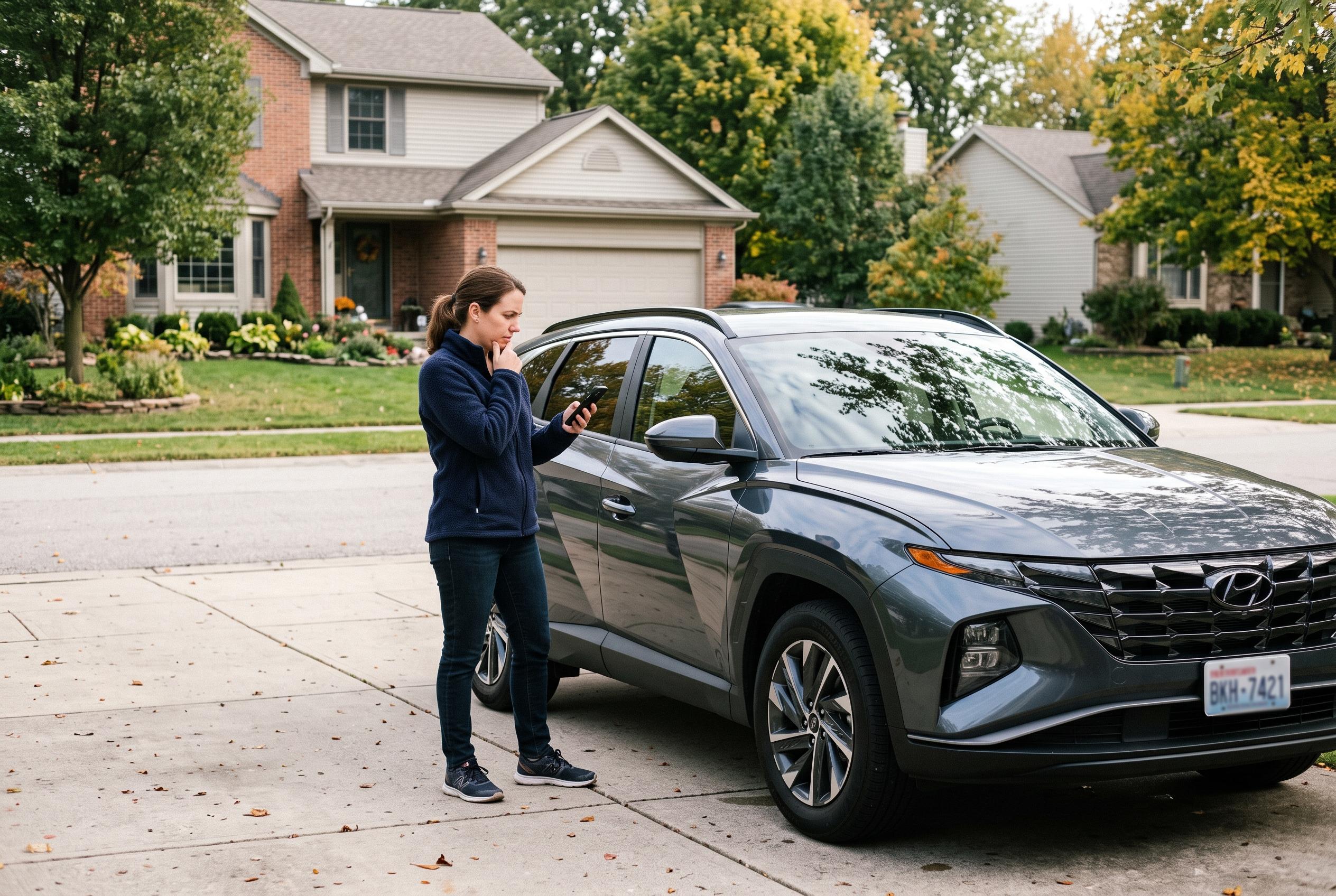

Ford app failures can stem from the phone, the vehicle’s embedded modem or a wider service outage. These checks can help restore remote commands, location updates and vehicle status.
The Ford app can fail in several different ways: it may freeze, refuse to sign in, or stop responding to remote start, lock, unlock, charging, or vehicle-status requests. Ford says the service depends on both the phone’s connection and the vehicle’s own connectivity, so a fault in either place can disrupt the experience. For many users, the quickest fixes are still the simplest: switch between Wi-Fi and mobile data, force-close the app, sign out and back in, restart the phone, and install any pending update from the App Store or Google Play. On Android, clearing the app cache and checking permissions for location and Bluetooth can also remove temporary faults. If those steps fail, reinstalling the app may help, although Ford advises keeping a physical key available if Phone As A Key is in use.
If the app opens but vehicle commands do not work, the problem may be with the link between the app and the car rather than the phone itself. Ford’s support materials in several markets say drivers should start the vehicle in a safe, well-ventilated place, confirm that Vehicle Connectivity is enabled, and then use the app’s connection prompts if the vehicle asks to be reactivated. The company’s guidance also points to the embedded modem as a critical part of the system: if it is not communicating properly with Ford’s servers, vehicle data may become stale, location updates may fail, and remote commands may not go through. In some cases, simply moving the vehicle to an area with stronger mobile coverage can restore normal operation.
Remote start is one of the features most likely to fail even when the rest of the app appears to function. Ford says the first checks should be whether the user is signed into the correct account, whether Remote Start is enabled in the vehicle settings, and whether the hood, doors and tailgate are fully closed. The car must also be in Park, and some vehicles may block remote start if they have entered Deep Sleep Mode or if a check engine light or other fault is present. Ford’s support pages in Ireland and New Zealand add that a low battery or insufficient charge level can also interfere, depending on the model. In practice, that means remote start problems are often vehicle-related rather than app-related.
When the Ford app shows the wrong vehicle location or refuses to refresh status, Ford’s support advice is consistent across regions: check app permissions, confirm that connectivity settings in the vehicle are active, and try refreshing the location after the car has been started. The company’s country-specific help pages in the Philippines and New Zealand both emphasise that location services depend on correct permissions and a live connection from the vehicle. Ford also notes that menu names vary by model and SYNC version, so owners may need to look for settings labelled Connectivity, Connected Vehicle Features, or similar terms.
There is also the possibility of a wider service issue. If other internet-connected apps on the phone are working but the Ford app is not, the fault may be on Ford’s side rather than the user’s. Ford recommends checking its own support channels and looking for reports from other owners before repeatedly reinstalling the app or changing vehicle settings. If the problem persists after basic troubleshooting, Ford says users should contact support through the app’s help section where available, and provide the vehicle model, model year, operating system and any error messages. That is especially important where the issue appears to involve account activation, modem communication or remote-command failures.
Disclaimer: This content is intended for informational purposes only. Readers are advised to exercise their own judgement, conduct due diligence, or consult a qualified expert before acting on any information provided.