

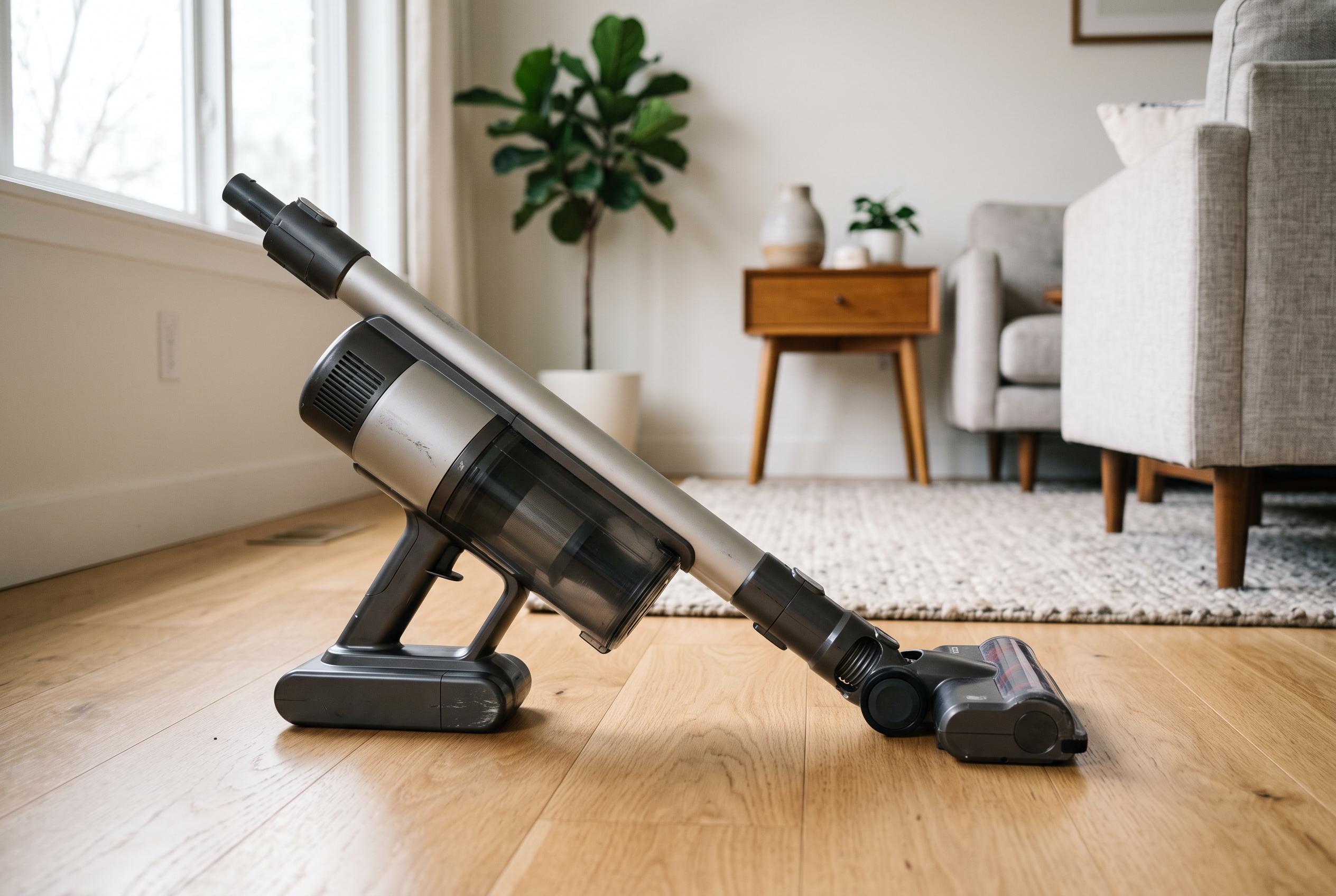

Understanding the signs of battery ageing in cordless vacuums can help prolong device lifespan and prevent safety hazards, with experts emphasising proper care and timely replacement.
A cordless vacuum that no longer delivers the same runtime or suction often points to battery ageing rather than a fault elsewhere. Vacuum Warehouse says a worn pack can cause shorter cleaning sessions, early cut-outs, altered charging patterns, excess heat and, in some cases, visible damage to the casing. In practical terms, the battery is usually the first major component to degrade in a cordless machine.
That pattern is consistent with wider guidance on battery life. Articles on cordless vacuums from Pure Choice, Smart Shopping Guide and Embattery Systems all say lithium-ion packs commonly last around two to five years, or roughly 300 to 500 full charge cycles, depending on heat, storage, charging habits and how often the vacuum is used at higher power. A drop of about 30% to 50% in runtime is widely treated as a strong signal that replacement is due.
There are several clear warning signs. A vacuum that once ran for 30 to 60 minutes but now struggles to last 10 minutes has likely lost capacity. Other indicators include stopping abruptly under load, such as on thick carpet, even when the battery gauge appears full. Home Hygia notes that flashing battery lights, rapid power loss after charging and units that work only while docked can also point to a failing pack.
Physical changes deserve immediate attention. Vacuum Warehouse warns that swelling, cracking, distortion, unusual heat or a chemical smell are not normal and should not be ignored. A battery that charges faster than before but delivers poor performance may simply be holding less energy. If the pack becomes very hot while charging or running, it should be treated as unsafe until inspected or replaced.
Not every loss of suction comes from the battery. Clogged filters, blockages in the hose or wand, dirty charging contacts and a faulty charger can produce similar symptoms. The sensible approach is to fully charge the vacuum, clean the bin, filters and brush roll, check the outlet and then retest. If the problem persists after maintenance, a replacement battery is usually the right next step.
Battery care can also extend service life. Experts cited by Vacuum Warehouse recommend using eco mode where possible, avoiding repeated full discharges, letting the pack cool before charging and storing the vacuum in a dry, temperature-stable place. When replacement is needed, the safest option is a compatible original battery rather than an unverified substitute. Used lithium-ion packs should be recycled, not thrown in household waste.
Disclaimer: This content is intended for informational purposes only. Readers are advised to exercise their own judgement, conduct due diligence, or consult a qualified expert before acting on any information provided.



