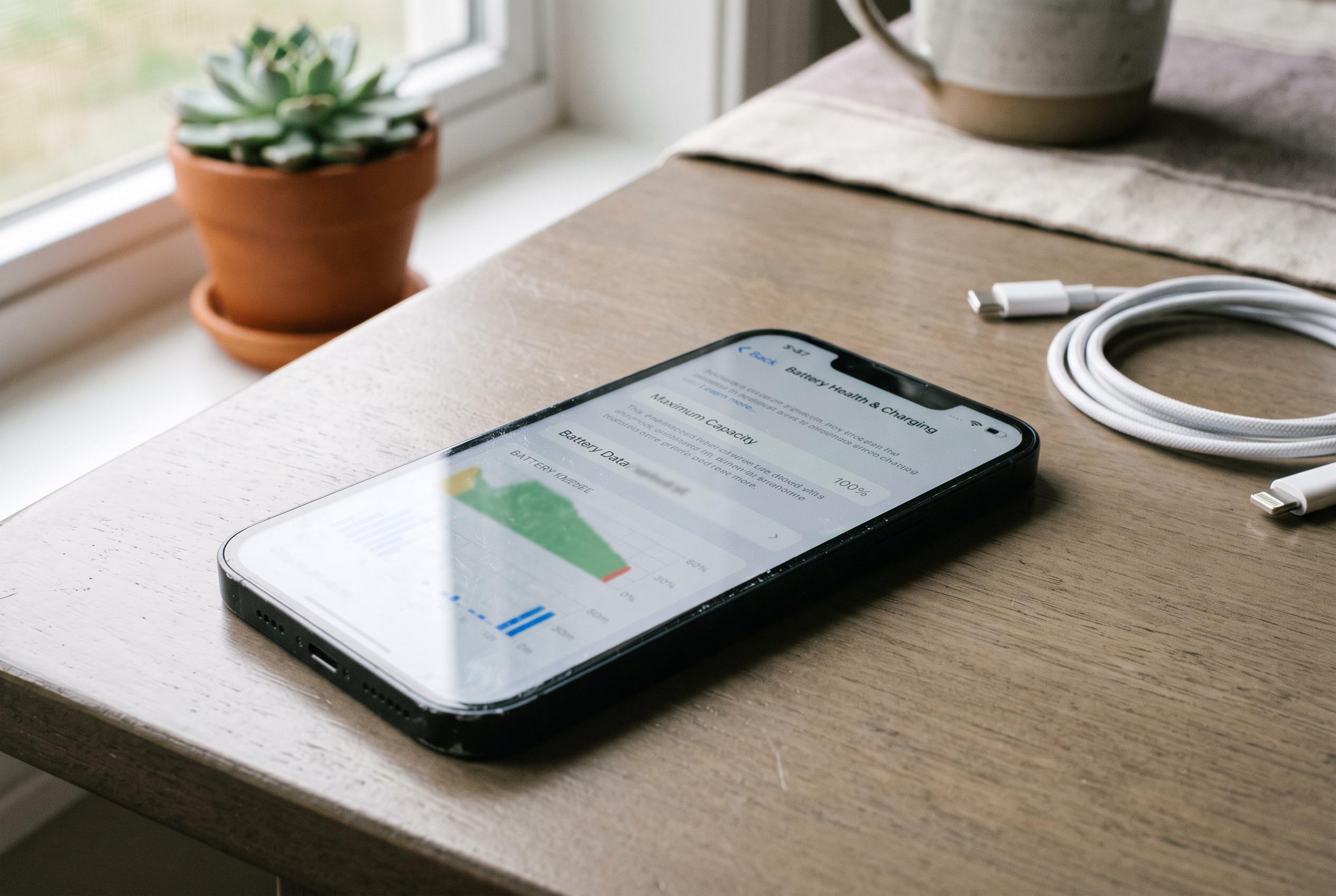

The figure in Settings shows how much capacity your iPhone has lost, when performance management may begin and why heat and prolonged charging can hasten battery ageing.
Apple’s battery health read-out is more than a simple percentage. It is a measure of how much of the original capacity remains, and it gives a clearer picture of long-term battery condition than the everyday charge indicator. On an iPhone, that figure can help users understand whether shorter runtime is merely a result of use patterns or a sign that the cell is ageing. As several repair and troubleshooting guides note, the reading is best treated as a health signal rather than a momentary charge level.
Lithium-ion batteries naturally lose capacity over time because of chemical wear, not because of any single fault. Repeated charging cycles, heat and prolonged time at high charge all accelerate that ageing process. The practical effect is familiar: a battery that once lasted comfortably through the day begins to empty more quickly and may struggle under heavier loads. Guides from battery repair specialists explain that the health percentage reflects the battery’s current maximum capacity as a share of its original state, which is why it falls gradually and cannot be restored by software.
Apple exposes this information in Settings, under the Battery section, without requiring extra software. On newer iPhones, the screen also shows the battery’s peak performance capability and, on the latest models, the cycle count. That makes it easier to separate a healthy battery from one that is still usable but already losing resilience. Guidance from iDownloadBlog and other technical explainers notes that the peak performance label matters because it indicates whether the phone is managing around a battery that can still meet demand or one that may no longer supply enough power during bursts of activity.
The health percentage also needs interpretation. A figure in the mid-to-high 90s usually points to a battery that remains close to new condition. Around the mid-80s, the battery is often still serviceable, but the decline is worth monitoring. Once the reading falls towards 80%, Apple’s own guidance, as reflected in the reporting and technical guides, treats that as the point at which the battery is considered worn enough that replacement should be considered. Users may also begin to notice reduced runtime, slower app launches or more frequent performance management as the phone tries to avoid sudden shutdowns.
That performance management is commonly described as throttling, although Apple frames it as protection. If an ageing battery cannot deliver enough power at peak demand, iOS may reduce maximum performance to prevent the phone from switching off unexpectedly. The mechanism is automatic and cannot be manually disabled by the user. In practice, it may show up as slower processing, lower frame rates in games, longer photo or video rendering times, and occasional pauses when the device is under load.
Apple’s built-in charging controls are designed to reduce stress on the battery over time. Optimised Battery Charging learns a user’s routine and delays the final stretch of charging until closer to the time the phone is likely to be unplugged. On iPhone 15 models and later, users can also set a charging limit in fixed steps between 80% and 100%. Both features are intended to reduce the amount of time the battery spends fully charged, which is one of the conditions that speeds up chemical ageing.
Temperature remains one of the most important factors in battery wear. The sources consistently point to heat as a stronger enemy than ordinary cycle count, which is why leaving an iPhone in a hot car or charging it in a warm environment can shorten battery life more quickly than many users expect. Practical advice is broadly consistent: avoid repeated deep discharges, keep charge levels broadly between 20% and 80% where possible, and use certified or genuine charging accessories. For users seeing abrupt shutdowns, swelling, obvious heat build-up or a sudden fall in battery percentage, the most sensible response is to seek a battery replacement rather than continue trying to manage the decline.
Disclaimer: This content is intended for informational purposes only. Readers are advised to exercise their own judgement, conduct due diligence, or consult a qualified expert before acting on any information provided.