

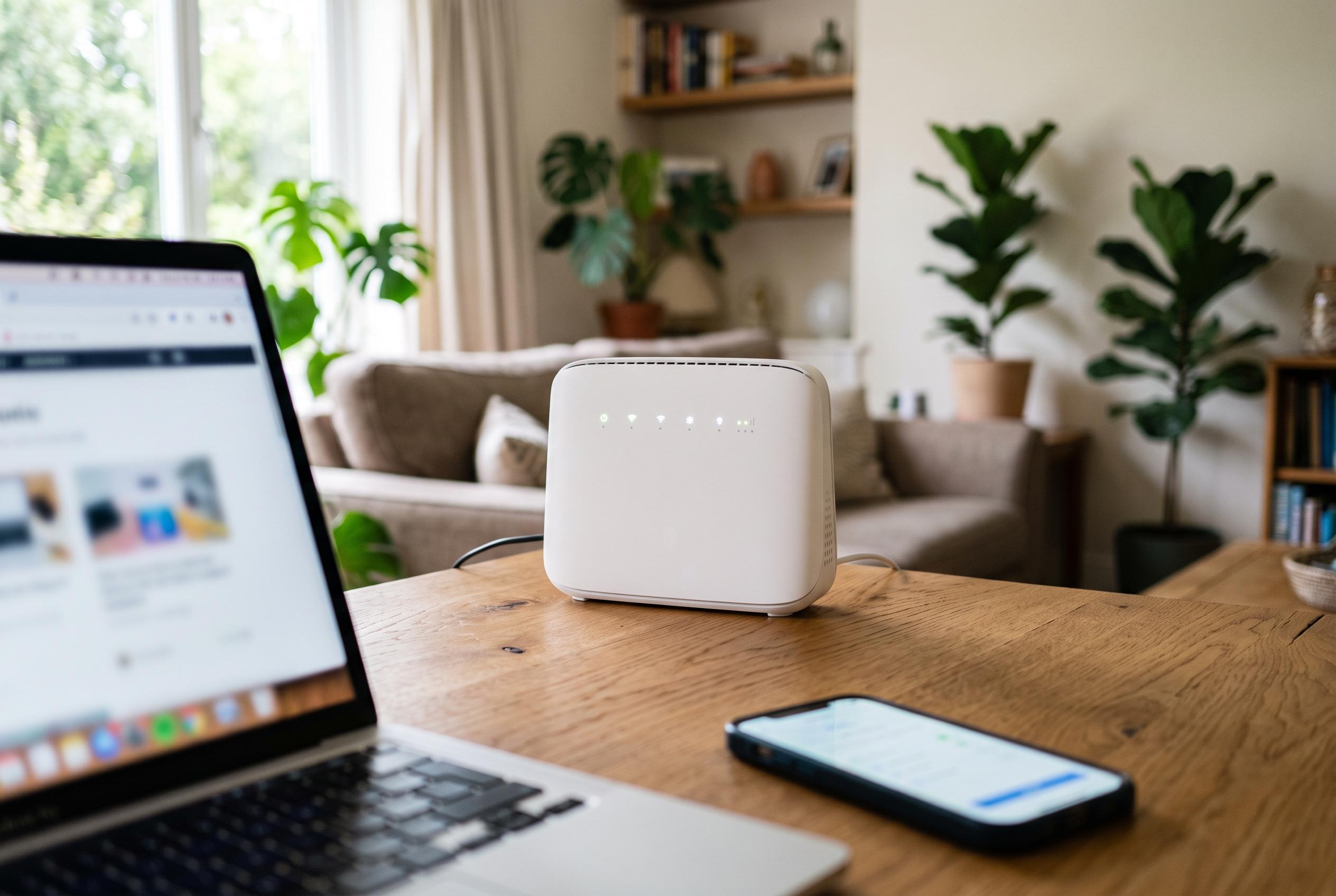

Promoting a basic router configuration change, cybersecurity experts suggest switching DNS resolvers to Cloudflare’s malware-filtering addresses as an accessible first line of defence against common web-based threats, offering households a broad but partial shield across connected devices.
A simple router setting is being promoted as a practical first step for households that want to cut down exposure to phishing pages and malware across every device on the network. Cybersecurity expert Luis Catacora has suggested changing a router’s default DNS resolvers to Cloudflare’s malware-filtering pair, 1.1.1.2 and 1.0.0.2, so that lookups for known bad domains are blocked before a connection is made.
The idea relies on how the Domain Name System works. Every visit to a website begins with a lookup that turns a human-readable domain into an IP address. According to Cloudflare’s documentation, its filtered resolver addresses are designed to return a non-routable response for domains it classifies as malicious, which means the connection fails rather than reaching the site. Cloudflare also offers a family-filtering option, 1.1.1.3 and 1.0.0.3, which adds adult-content blocking alongside malware and phishing protection.
The attraction of the approach is its reach and low friction. If a router hands out the new DNS settings automatically, laptops, phones, smart televisions, game consoles and other connected devices can inherit the protection without separate apps, subscriptions or per-device configuration. That makes the change appealing for home networks, where security coverage is often uneven across operating systems and hardware.
But the control has clear limits. It only blocks domains that have been classified by the resolver service, and it only works when devices actually use the router-provided DNS path. A VPN, mobile data, hard-coded DNS settings or encrypted DNS configured directly on the device can bypass it. It also will not disinfect an already compromised machine, stop malicious attachments or prevent credential theft on legitimate sites.
For that reason, filtered DNS should be treated as one layer in a broader security set-up rather than a complete answer. Password managers, unique credentials, multifactor authentication, software updates, router firmware patches and cautious link handling remain necessary. Used that way, the change can still be useful: it adds a network-level barrier against common web-based threats with very little effort from the user.
Disclaimer: This content is intended for informational purposes only. Readers are advised to exercise their own judgement, conduct due diligence, or consult a qualified expert before acting on any information provided.



