

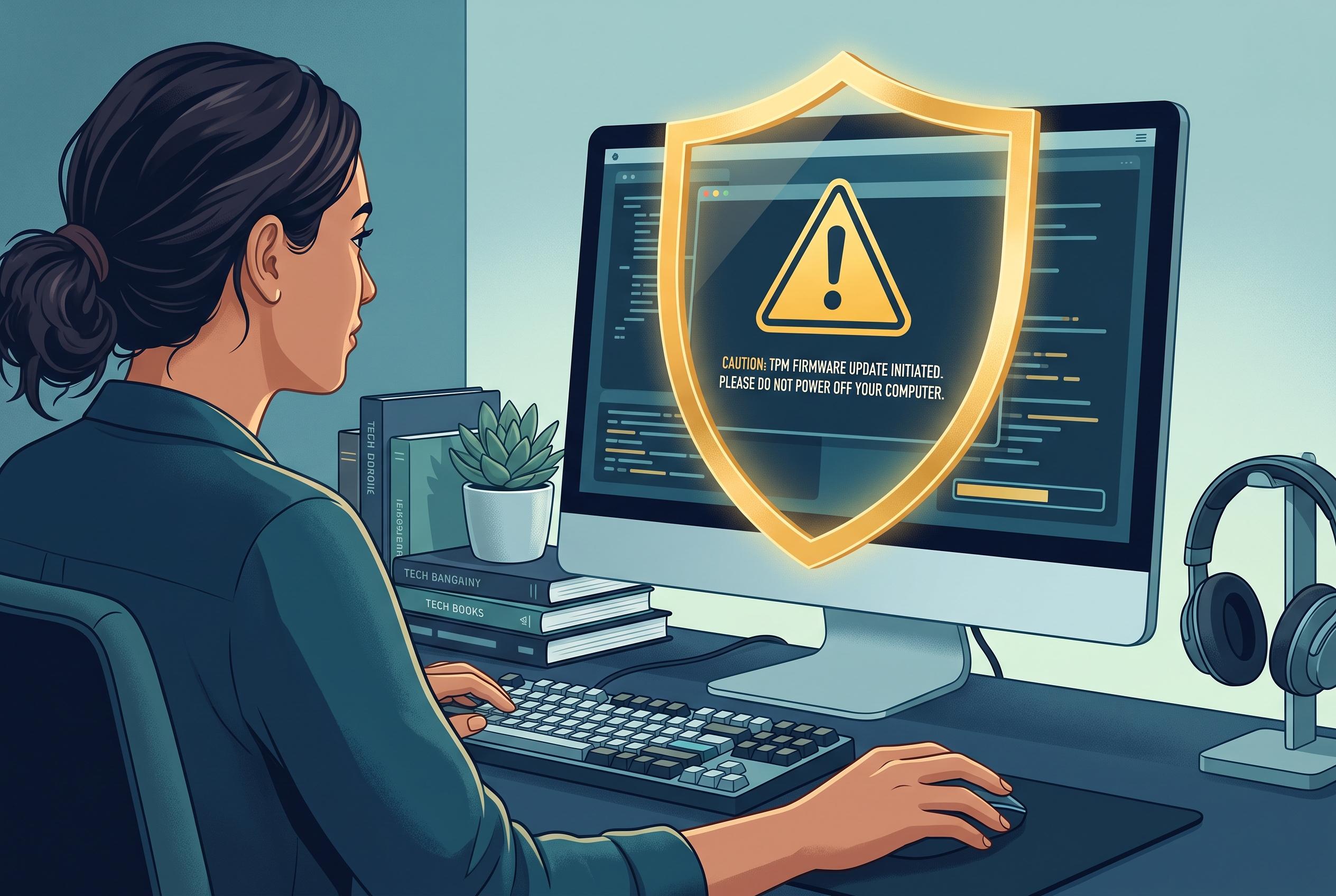

Microsoft advises Windows 11 users to treat TPM firmware updates as critical security tasks, emphasising the importance of backing up recovery keys and suspending BitLocker protections to prevent boot lockouts and maintain system trust.
Windows 11 users who see a TPM firmware update offered through Windows Update or a vendor utility should treat it as a security maintenance task, not a routine driver install. The Trusted Platform Module, whether built into the chip or implemented as firmware on AMD and Intel systems, stores credentials that BitLocker and Windows Hello rely on. Microsoft says that before firmware or other non-Microsoft updates are applied, BitLocker should be suspended on the system drive to avoid recovery prompts after restart.
That precaution matters because TPM updates can change the measurements Windows uses to trust the boot process. Microsoft’s support guidance says suspending BitLocker is designed to prevent update-related lockouts and reduce the risk of recovery-mode interruptions. It also warns that TPM-related firmware work should be paired with a recovery key stored somewhere other than the PC itself.
Before running any update, the practical sequence is straightforward: back up the BitLocker recovery key, suspend BitLocker protection, check TPM status with the Windows TPM tools, then apply the manufacturer’s firmware package. After the reboot cycle is complete, BitLocker should be resumed and the TPM state verified again. Microsoft also recommends checking device-security information after the update to confirm that the security processor is functioning normally.
The exact path differs by maker. Dell systems often require more manual handling, including disabling automatic TPM provisioning and, in some cases, clearing the TPM from BIOS before flashing. HP generally delivers TPM updates through HP Support Assistant, while Lenovo typically bundles them into Lenovo Vantage or a BIOS package, with standalone TPM tools more common on desktop business systems such as ThinkCentre and ThinkStation models.
Microsoft’s broader guidance on TPM firmware is that these updates are important because they address security vulnerabilities and reliability issues in the security processor itself. The company also notes that some devices may need the TPM cleared after the firmware change, which is one reason the recovery key should be saved in advance. In practice, this is less about “fixing” Windows and more about preserving the chain of trust that protects encrypted data.
The need for caution was underscored again in 2026, when some Windows 11 devices were reported to boot into BitLocker recovery after a security update. Windows Central reported that Microsoft tied the problem to a TPM validation policy involving PCR7 and issued a fix for Windows 11, while some Windows 10 users were left waiting longer. That episode reinforced the same lesson: any firmware or boot-level change can trigger BitLocker protection, even when the update comes from Microsoft rather than the PC maker.
Disclaimer: This content is intended for informational purposes only. Readers are advised to exercise their own judgement, conduct due diligence, or consult a qualified expert before acting on any information provided.



